Smooth gameplay makes every gaming session more enjoyable, especially when exploring detailed environments, completing challenging quests, and participating in large battles. Choosing suitable hardware helps maintain responsive controls, clear visuals, and consistent performance. A well-balanced gaming laptop can deliver an enjoyable experience by combining processing power, graphics capabilities, sufficient memory, and effective cooling in one portable system.
- Essential Hardware for Consistent Performance
The right hardware configuration supports stable frame rates and responsive gameplay across different in-game activities. Each component contributes to a smoother experience.
- Powerful Processor: A modern multi-core processor helps manage character movements, background calculations, and busy environments without unnecessary delays.
- Dedicated Graphics: A capable graphics processor delivers detailed landscapes, attractive visual effects, and fluid animations during extended gaming sessions.
- Sufficient Memory: At least 16 GB of RAM provides a practical starting point for smooth gameplay, while 32 GB offers additional flexibility for multitasking.
- Fast Storage: A solid-state drive supports quicker startup, shorter loading screens, and faster access to frequently used game files.
- Balanced Configuration: Matching the processor, graphics hardware, and memory helps maintain dependable performance without creating unnecessary bottlenecks.
- Display Features That Improve Visual Quality
A quality display makes exploration more immersive and helps players follow fast-moving action. Resolution, refresh rate, and screen size all influence the overall experience.
- High Refresh Rate: A 120 Hz or 144 Hz display can provide smoother motion when the hardware consistently delivers higher frame rates.
- Clear Resolution: Full HD resolution offers a useful balance between visual clarity and performance for many gaming configurations.
- Comfortable Screen Size: A 15-inch or 16-inch display provides a practical viewing area for quests, interface elements, and detailed environments.
- Good Brightness: Appropriate brightness and balanced contrast help keep visual elements distinguishable during long sessions.
- Responsive Controls: A comfortable keyboard and responsive touchpad or external mouse support accurate movement and quick actions.
- Cooling and Connectivity for Longer Sessions
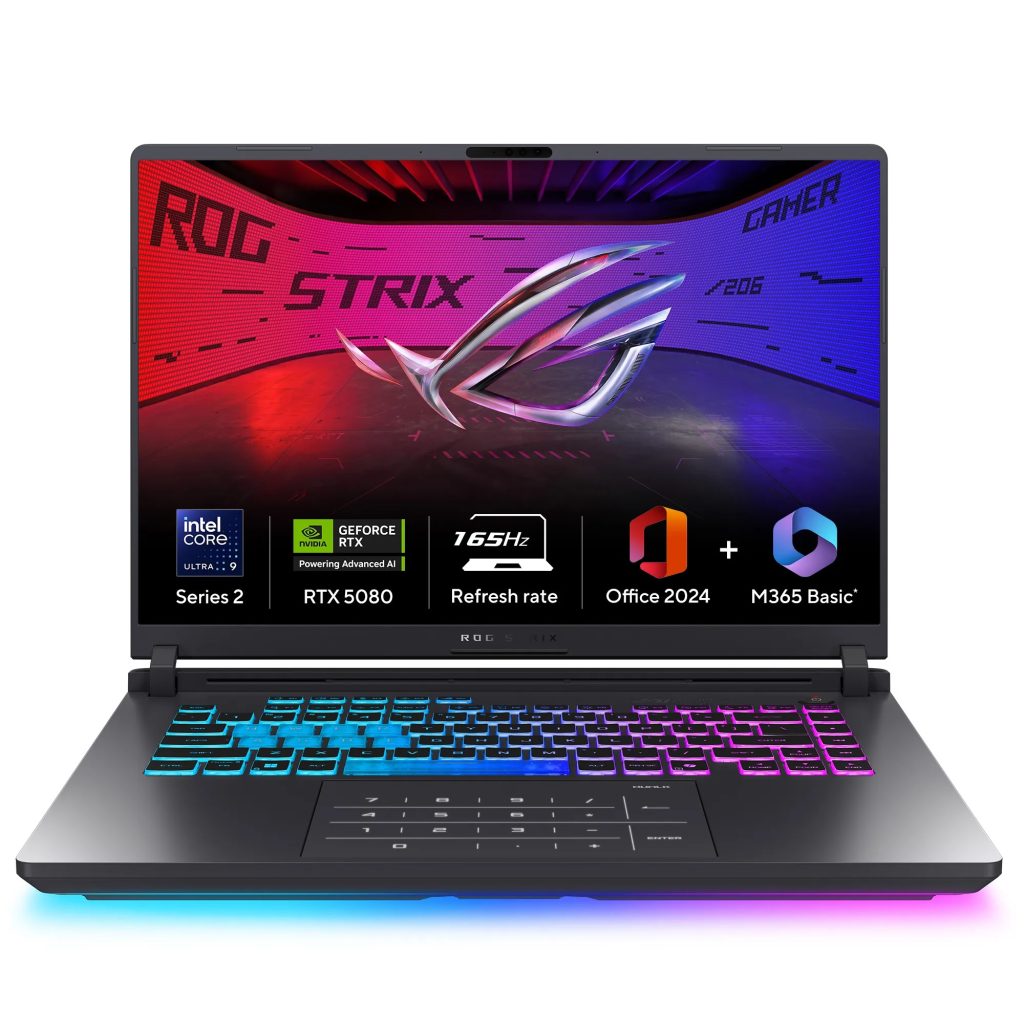
Gaming performance depends on more than processing power alone. Effective thermal management helps maintain consistent operation when demanding activities place sustained pressure on internal components.
When selecting a wow laptop, consider features that support stable performance throughout extended gaming sessions.
- Efficient Cooling: Multiple heat pipes, well-designed fans, and effective ventilation help manage operating temperatures.
- Adjustable Performance Modes: Available power profiles allow players to balance performance, fan noise, and energy consumption.
- Reliable Wi-Fi: A stable wireless connection supports responsive multiplayer interactions and smoother online sessions.
- Useful Ports: USB connections, audio support, and external display compatibility make accessories easier to connect.
- Comfortable Acoustics: Adjustable fan settings can create a more pleasant environment during quieter gaming activities.
- Battery Life, Portability, and Smart Selection
A portable design allows players to enjoy gaming in different settings while keeping their essential equipment together. Practical features also improve everyday convenience.
- Choose a manageable weight if regular travel is important.
- Compare battery capacity while remembering that demanding games often require plugged-in power.
- Check keyboard comfort, build quality, and hinge durability.
- Review recommended system requirements before purchasing.
- Prioritize components that match preferred graphics settings and performance expectations.
Ultimately, a balanced gaming laptop combines capable hardware, a responsive display, effective cooling, and reliable connectivity. Considering these features together helps create a smoother, more immersive, and enjoyable gaming experience.